
Attendance Tracking for Private Tutors: A Simple Setup Guide
Most private tutors start out the same way. A notebook for each student, a few WhatsApp reminders, maybe an Excel sheet if they are feeling organized. It works fine for the first ten students. Then a new batch starts on Saturdays, a second subject gets added, and suddenly tracking who showed up and who didn't becomes its own part-time job.
Attendance tracking for private tutors does not need to be complicated. It does not need a system built for a 500-student school, and it definitely does not need a price tag built for one either. What it needs is something simple, fast to set up, and flexible enough to handle the way tutors actually work: multiple subjects, irregular schedules, and students who come and go.
This guide walks through exactly how to set up a simple attendance system as a private tutor, step by step, without any of the bloat that comes with school-grade software.
Why Private Tutors Need a Better Attendance System
School attendance and tutor attendance are not the same problem, even though they look similar on the surface.
A school teacher has one class, one timetable, and the same group of students every day. A private tutor often has none of that consistency. You might teach Math to one batch on Mondays and Wednesdays, English to a different group on Tuesdays, and an IELTS prep batch on weekends. Students join mid-term. Some attend weekly, others biweekly. A student might pause for two weeks during exams and come back without warning.
This kind of fragmented schedule is exactly where manual tracking falls apart. A notebook works when everything happens in one place at one time. It does not work when you are mentally juggling four different batches with four different rhythms.
A good attendance system for a tutor needs to do a few specific things well. It needs to handle multiple batches without mixing them up. It needs to make records easy to review weeks or months later, especially when a parent asks how many sessions their child has missed. And it needs to save you time every single week, not add another task to your evening.
If your current system requires you to remember details instead of look them up, it is not actually working for you.
How Tutors Usually Track Attendance Today
Before getting into the setup, it helps to be honest about what most tutors are currently doing, because chances are you recognize at least one of these.
Paper notebooks. Simple to start, but easy to lose, hard to search through later, and impossible to share with a parent without retyping everything by hand.
Excel sheets. A step up, but they require you to build your own structure, manage your own formulas, and remember to update the file consistently. One missed entry and your records have a gap nobody notices until later.
Memory or mental checklists. More common than people admit. A tutor with three or four students per batch might just remember who showed up. This works until the batch grows, or until someone asks for a specific number and you realize you genuinely do not know.
WhatsApp messages. Some tutors text parents directly after each session to note attendance. It feels personal, but it is not a record. There is no easy way to look back and calculate a monthly attendance percentage from a string of chat messages.
Shared docs. A slight improvement over a personal spreadsheet if you have a co-tutor, but still suffers from the same core issue: someone has to manually maintain it, and mistakes are easy to make.
None of these methods are wrong exactly. They are just not built for the job. Each one asks you to do extra work that a proper system would handle automatically.
Step 1: Choose a Simple Digital Tool
The first decision is picking the right kind of tool, and this matters more than people expect.
A lot of attendance software on the market is built for schools. That means complicated setup processes, pricing structured around hundreds of students, and features you will never use like timetabling for entire grade levels or administrative hierarchies for principals and vice principals. For a solo tutor, this is overkill, and it usually shows up as a confusing interface and a price tag that does not make sense for one person managing a few batches.
What you actually want is something that opens in a browser, requires no installation, and gets you from sign-up to your first marked session in under half an hour.
DigiAttend fits this well because it was built to scale down as easily as it scales up. A solo tutor on the free plan gets the same clean interface as a coaching center on a paid plan. There is no stripped-down "starter" experience that makes you feel like you are missing something. You get one class to start, full access to core features, and the option to add more classes later if your tutoring business grows.
The key things to look for in any tool you consider: no app download required, a free entry point so you are not paying before you know it works for you, and the ability to add more classes later without switching to a different platform entirely.
Step 2: Organize Your Batches
Once you have your tool picked, the next step is structuring your students properly, and this is where a lot of tutors get the most immediate value.
Think of each batch you teach as its own class inside the system. If you teach Math to one group of students, that is one class. If you teach English to a different group, that is a second class, even if some of the same students overlap. If you run a separate weekend IELTS batch, that is a third.
Naming matters more than people think. Use something specific and easy to recognize at a glance, like "Math Grade 8 Mon Wed" or "Saturday IELTS Batch" rather than something vague like "Class 1." Six months from now, when you are scrolling through a list of classes trying to find the right one, specific names save real time.
Keeping batches separate from the start also means your attendance percentages stay accurate per subject. A student who attends Math consistently but misses English regularly should show that distinction clearly in your records, not get blended into one combined number that hides the actual pattern.
This step takes maybe ten minutes per batch, and it is the foundation that makes everything else in the system work cleanly.
Step 3: Add Students Quickly
Once your batches are set up, the next job is getting your student list into the system. This is the part most tutors dread, because typing in twenty or thirty names one at a time feels tedious.
This is where bulk import becomes genuinely useful. Instead of entering each student manually, you fill out a spreadsheet template with student names and any other details you want to track, like parent phone numbers, age, or grade level, then upload the whole file at once. What would take an hour of manual typing takes about five minutes.
If your platform supports custom fields, use them. Parent contact information is the most common one tutors add, since it makes it easy to reach out directly if attendance drops or a session needs to be rescheduled. Some tutors also add fields for the subject focus, the fee structure, or a note about the student's current level.
Getting this right at the start matters because it sets up everything that follows. Clean, complete student records from day one mean your reports later are accurate and useful without needing to go back and fill in gaps.
Step 4: Mark Attendance in Seconds
This is the part you will actually do every day, so it needs to be fast.
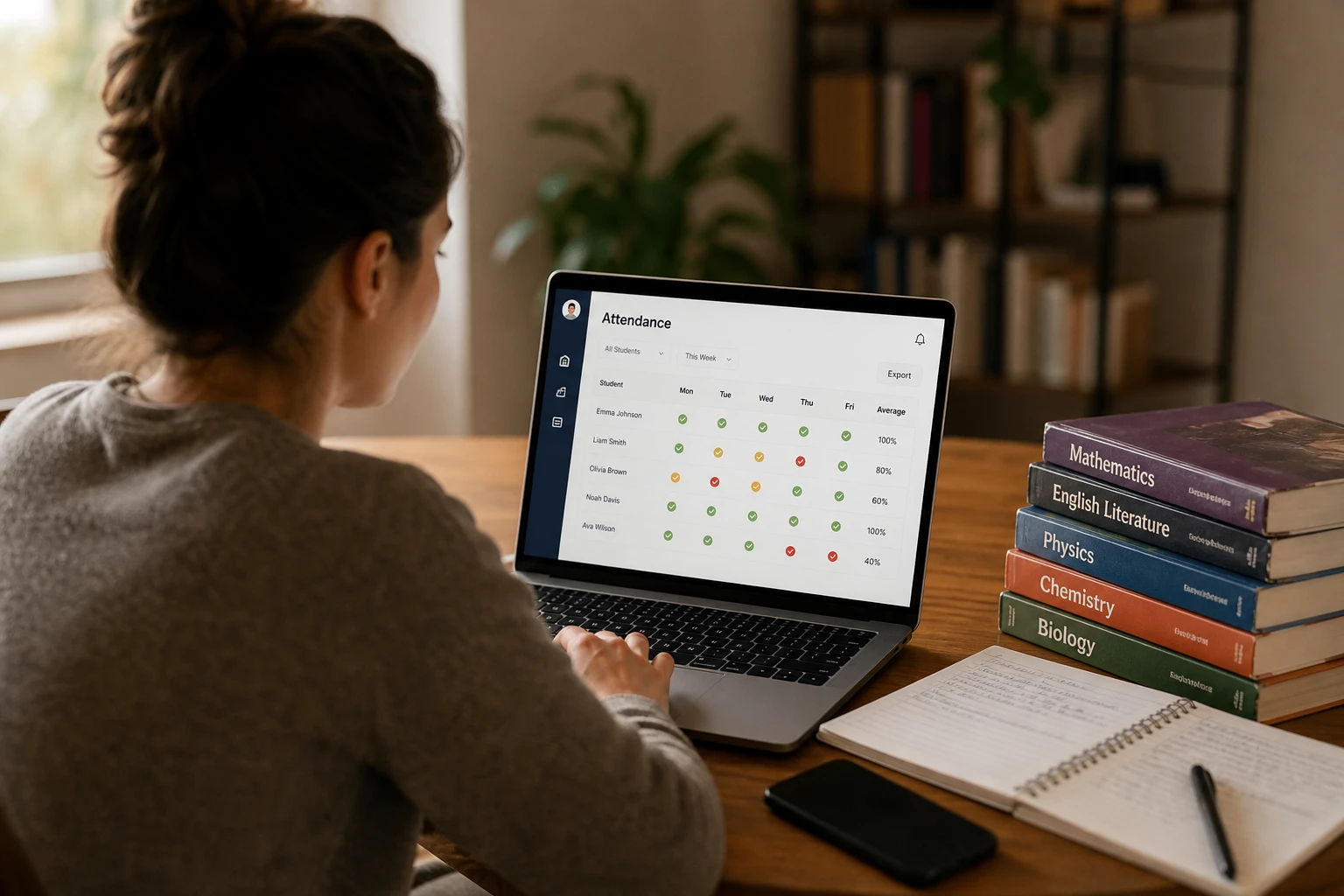
A good attendance workflow lets you open your batch, see your full student list, and mark each one with a single click. You want more than just present and absent. Late arrivals, excused absences for things like illness or travel, and unexcused absences all tell a different story, and lumping them together loses information you might need later.
Notes matter here too. A quick note like "joined 15 minutes late" or "informed in advance, family trip" takes a few seconds to add and becomes genuinely useful months later when you need context for a specific entry, especially if a parent asks about it.
The single biggest time-saver in this step is auto-save. After a long session, the last thing you want is to remember to manually save your attendance record before closing your laptop. With auto-save, the moment you mark a student, it is recorded. There is nothing to forget, and nothing gets lost if you close the tab before you meant to.
For a batch of 15 to 20 students, this entire process takes under two minutes.
Step 5: Review Attendance Patterns Over Time
Marking attendance daily is only half the value. The other half comes from being able to look back and actually see what is happening.
Over a few weeks, patterns start to show up that are easy to miss day to day. A student who has been consistently late on Mondays. Another who has missed three of the last five sessions without explanation. A batch where overall attendance is dropping compared to last month.
These patterns matter for a few practical reasons. They help you decide when a conversation with a parent is overdue. They give you something concrete to point to if a student's progress has slowed and attendance is part of the reason. And they help you spot issues early, before a student has missed so many sessions that catching up becomes a real problem.
A digital system makes this kind of review possible in a way a notebook never could. Instead of flipping back through pages trying to remember whether a student was usually late, you can pull up their full session history in seconds and see the actual pattern laid out clearly.
Step 6: Export Reports When Needed
At some point, you will need to turn your attendance data into something you can actually share or keep for your own records. This usually comes up in a few situations: a parent asks for a monthly summary, you want a clean record for your own business administration, or you are documenting attendance as part of a fee or refund conversation.
Manually pulling this together from a notebook or a basic spreadsheet takes real time. You have to count entries, calculate percentages by hand, and format it into something presentable.
A proper attendance system handles this with a few clicks. Select your batch, choose your date range, and export straight to Excel. What comes out is a clean, organized file with each student's attendance count, percentage, and any notes attached, ready to send to a parent or keep for your own files.
For tutors managing multiple batches, this becomes especially valuable at the end of each month, when producing four or five separate reports manually would otherwise eat up an entire evening.
Step 7: Start Free and Grow Later
One thing that holds a lot of solo tutors back from switching to a proper system is the assumption that it will be expensive or that they will have to commit to something bigger than they need right now. That is not how it has to work.
Start with whatever covers your current situation. If you are managing one batch, a free plan that covers a single class and up to 30 students is usually enough to fully replace your notebook or spreadsheet without spending anything. You get the full feature set: bulk import, attendance statuses, notes, reports, and off-day management, all at no cost.
As your tutoring grows, whether that means a second batch, a new subject, or simply more students than your current plan allows, you can upgrade without starting over. A plan built for up to five classes and 200 students covers most tutors who have expanded beyond a single group, and your existing data, batches, and student records carry over without any disruption.
This kind of low-risk entry point matters. You are not committing to a system before you know if it actually fits how you work. You try it with your current batch, see how much time it saves, and scale up only when you genuinely need to.
Frequently Asked Questions
Q1: Is there a free attendance tracker for private tutors?
Yes. DigiAttend offers a free plan that covers one teacher, one class, and up to 30 students, with full access to core features including reports, bulk student import, and attendance notes. No credit card is required to sign up.
Q2: Can I track attendance for multiple subjects or batches as a private tutor?
Yes. Each subject or batch can be set up as its own separate class within the system. This keeps your records organized and means attendance percentages are calculated separately for each batch, rather than blended together.
Q3: Do I need to install an app to track attendance as a tutor?
No. A browser-based attendance system works on any device, phone, tablet, or laptop, without requiring any download. You log in through your browser and everything is right there.
Q4: How long does it take to set up attendance tracking for a new batch?
For a single batch with 15 to 20 students, setup typically takes under 15 minutes if you use bulk import. Creating the class takes a couple of minutes, and uploading your student list via a spreadsheet template handles the rest.
Q5: Can I add notes to a student's attendance record, like reasons for being late or absent?
Yes. Most attendance entries support an optional note field, so you can record context like "doctor's appointment" or "joined 10 minutes late" alongside the attendance status. This becomes useful later if you need to recall the reason behind a specific absence.
Q6: What happens if my student count grows beyond the free plan limit?
You will be notified as you approach your plan's limit. At that point, you can upgrade to a plan that covers more classes and students. Your existing data, including all historical attendance records, carries over without any loss.
Q7: Can I generate a monthly attendance report to share with parents?
Yes. A good attendance system lets you select a batch and a date range, then export a detailed Excel report with each student's attendance percentage and a breakdown of present, late, and absent days. This typically takes under a minute to generate.
Final Thoughts on Simple Attendance Tracking
Private tutors do not need school-grade software to stay organized. What actually helps is something lightweight, fast to set up, and built around how tutoring really works: multiple batches, flexible schedules, and students who do not all follow the same pattern.
A simple digital attendance system removes the daily friction of notebooks and spreadsheets, reduces the chance of mistakes, and gives you records you can actually rely on when a parent asks a question or you need to review how a batch has been doing.
Even a small change here makes a noticeable difference in your week. Less time spent managing records means more time spent on the part of tutoring that actually matters.
Try DigiAttend free today at digiattend.com. No credit card required, and your first class stays free for as long as you need it.