Smart Attendance Platform

    The student attendance tracker your team will actually love.

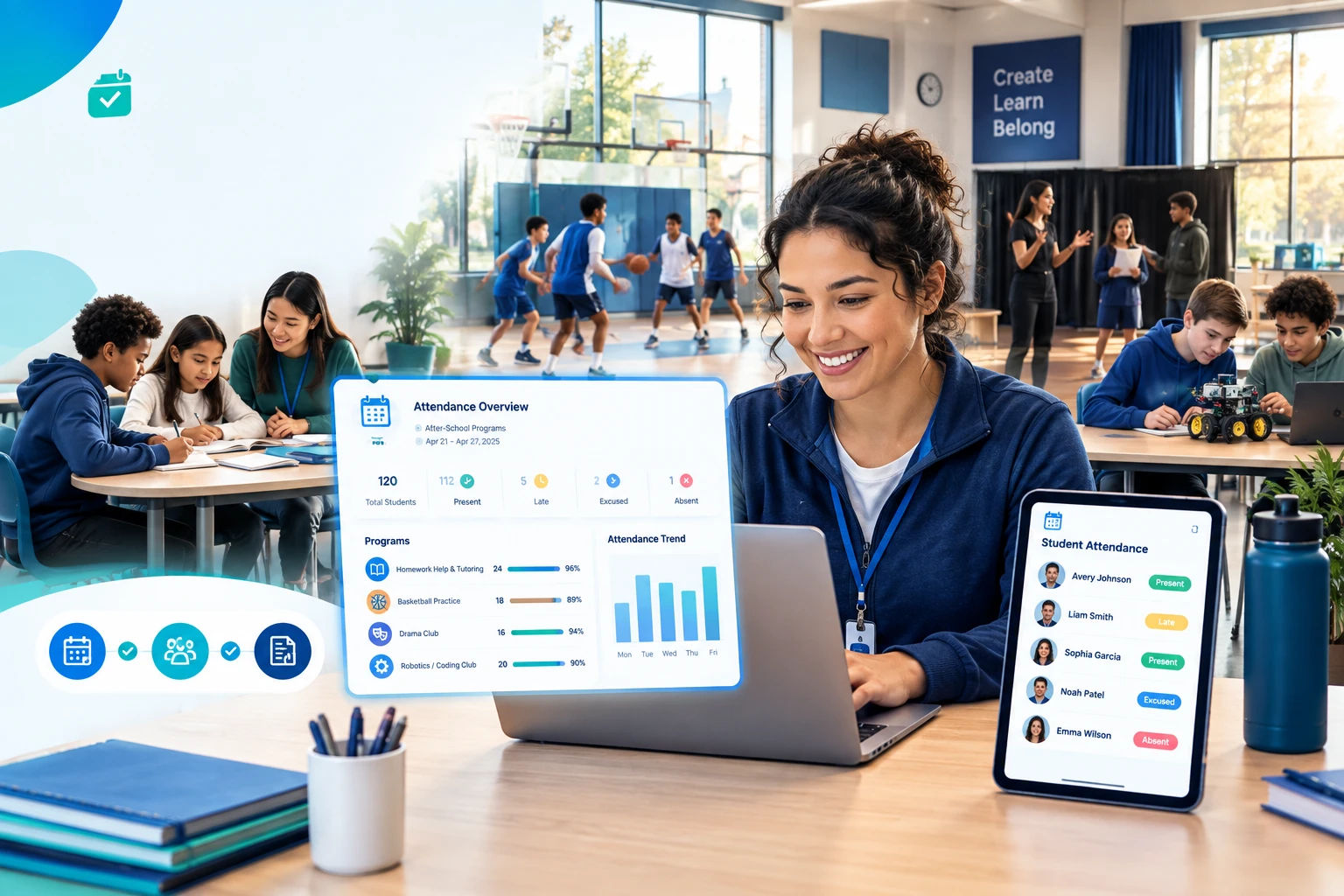
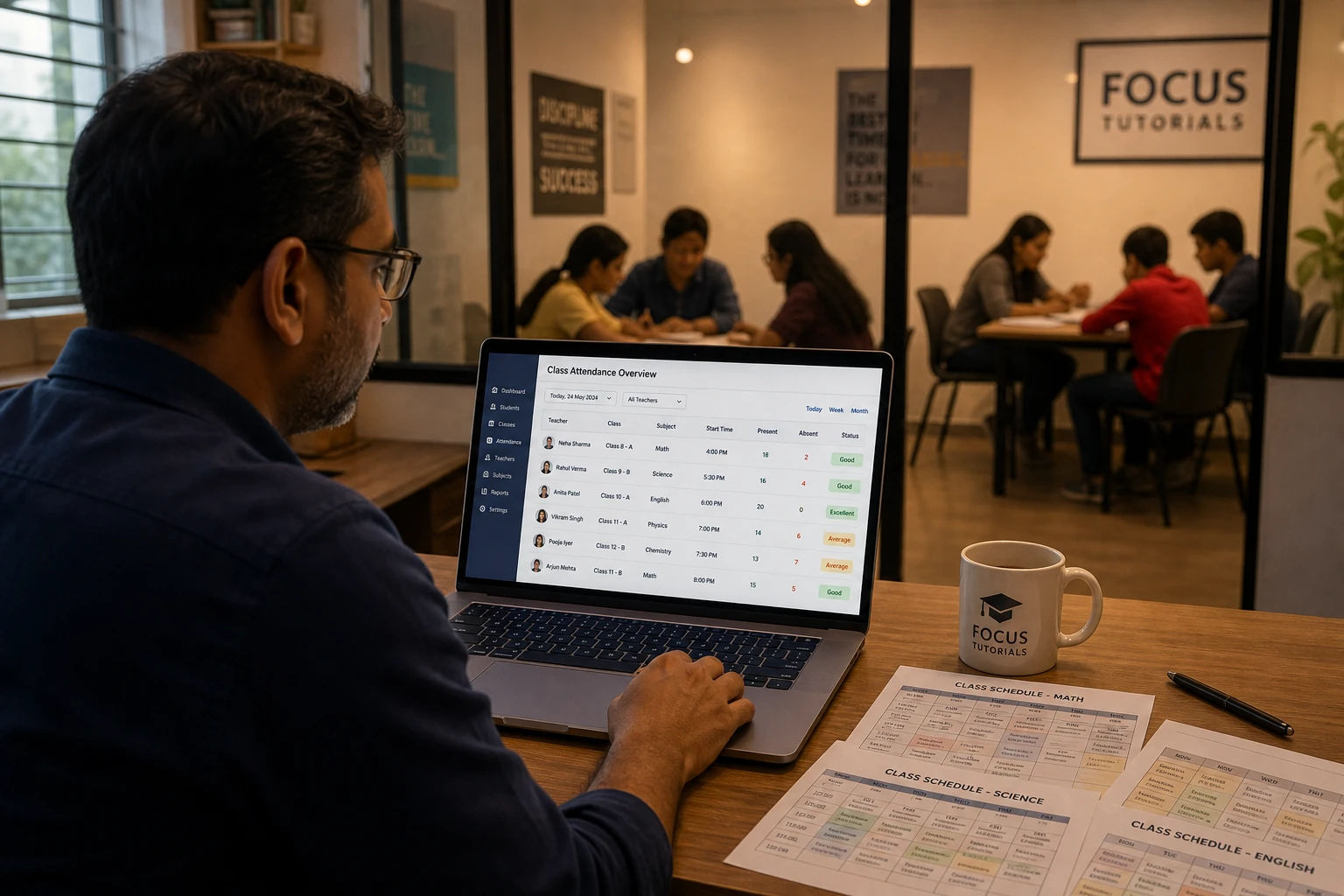
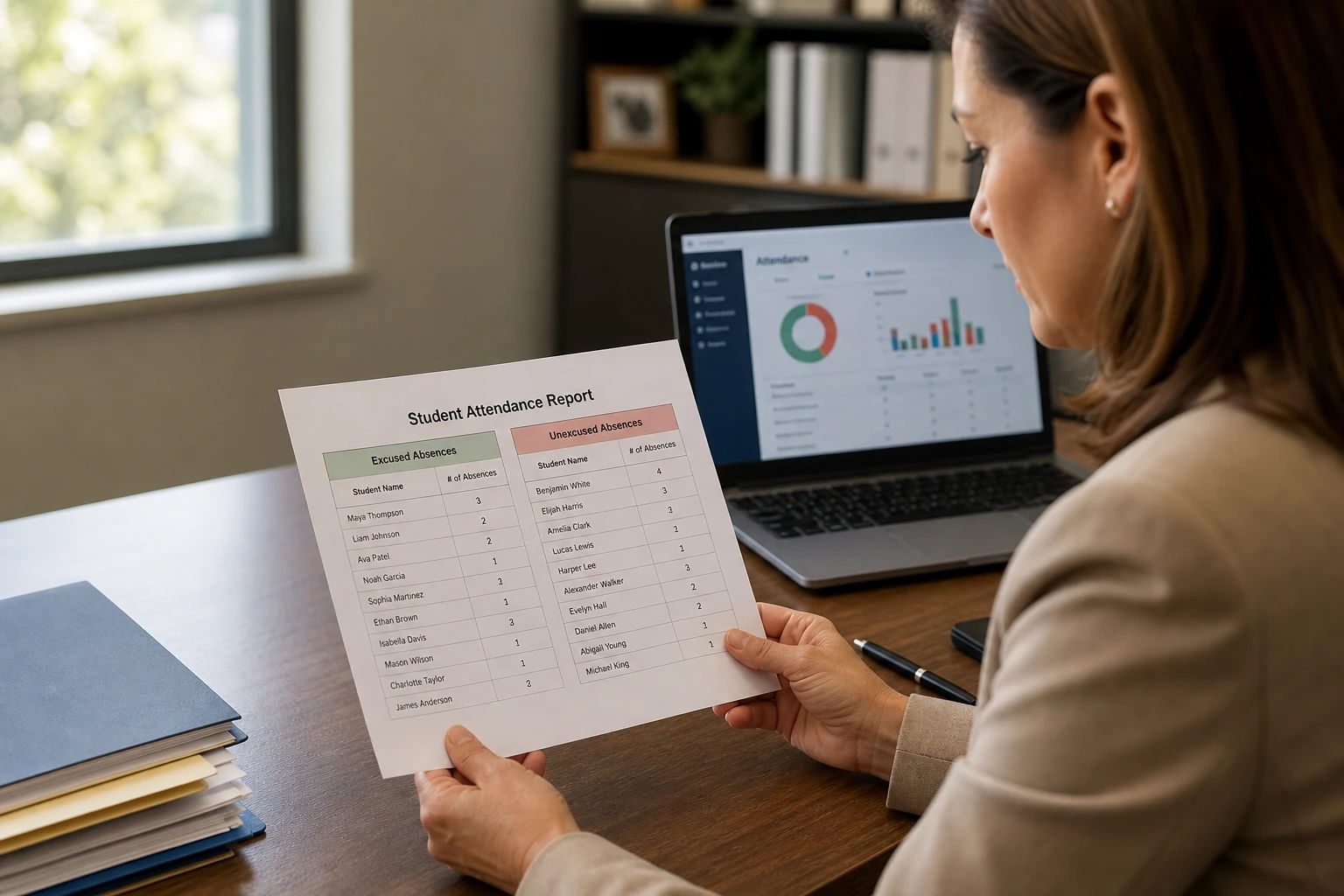
    Smart marking with autosave, real-time sync, role-based access, parent portal, and one-click Excel reports — built for teachers, tutoring centres, and schools.

    Free forever plan
    No credit card
    Secure & private
    4.8/5 from educators
    app.digiattend.com
    Mark attendance
    Grade 7 — Math
    Today
    AS
    Aanya Sharma
    Roll #01
    PLEAUA
    BC
    Ben Carter
    Roll #02
    PLEAUA
    CW
    Chen Wei
    Roll #03
    PLEAUA
    DR
    Diego Rivera
    Roll #04
    PLEAUA
    EY
    Esra Yılmaz
    Roll #05
    PLEAUA
    < 30s
    to mark a class of 30
    10k+
    students tracked
    1-click
    Excel report export
    4.8/5
    average rating
    How it works

    From zero to first attendance in 3 simple steps

    No setup calls, no migrations. Just sign up and start tracking.

    01

    Sign up in 60 seconds

    Create your free account, pick a timezone, and you're in. No credit card required for the Free plan.

    02

    Add your class & students

    Create a class, set the academic year, and add students one by one or via Excel bulk import.

    03

    Mark attendance, ship reports

    Tap to mark — autosave handles the rest. Export beautiful reports to Excel whenever you need them.

    Platform tour

    Everything you need to run attendance, beautifully

    Pick a category, click any feature, and watch the live preview. This is the same experience your teachers, managers, and parents see every day.

    Mark attendance in seconds with autosave, smart statuses, and per-student notes.

    app.digiattend.com/dashboard
    Grade 7 — Math · Today
    Auto-saved
    AS
    Aanya Sharma
    Roll #01
    PLEAUA
    BC
    Ben Carter
    Roll #02
    PLEAUA
    CW
    Chen Wei
    Roll #03
    PLEAUA
    DR
    Diego Rivera
    Roll #04
    PLEAUA
    EY
    Esra Yılmaz
    Roll #05
    PLEAUA
    FH
    Farah Hassan
    Roll #06
    PLEAUA
    Built for every educator

    One platform. Three ways to use it.

    Whether you're a single teacher or a school of fifty, DigiAttend scales to fit.

    Solo teachers

    Replace your paper register

    Built for individual teachers managing one or many classes — autosave, Excel export, and zero setup.

    • Up to 5 classes & 200 students
    • Bulk Excel import
    • Advanced reporting filters
    Start as a Teacher
    Tutoring centres

    Run a small team like a pro

    Manager + multiple teachers, audit logs, and announcements — everything a growing center needs.

    • 3 teachers + 1 manager
    • Multi-teacher management
    • Announcements & audit logs
    Explore Tutor plan
    Schools & institutions

    Built for the whole school

    Parent portal, schedules, scheduled email reports, and a real-time overview — designed for scale.

    • Up to 50 teachers · unlimited students
    • Parent portal & timetable
    • Real-time overview & priority support
    Explore School plan

    Simple, Transparent Pricing

    Start free and upgrade as you grow

    Flexible monthly billing, cancel anytime

    Free Plan

    $0/forever
    • One teacher
    • Maximum 1 class
    • Up to 30 students total
    • Smart Digital Attendance
    Get Started

    Teacher Plan

    $19.99/per month
    • One teacher
    • Maximum 5 classes
    • Up to 200 students total
    • Smart Digital Attendance
    Subscribe Now

    Small Tutor Plan

    $34.99/per month
    • Up to 3 teachers accounts
    • 1 Admin/Manager Account
    • Maximum 10 classes
    • Up to 500 students total
    • Smart Digital Attendance
    Most Popular

    School Plan

    $49.99/per month
    • Up to 50 teachers accounts
    • Up to 2 Admin/Manager/Principal Accounts
    • Unlimited classes
    • Unlimited Students
    • Advanced reporting
    • Priority support
    • Parent Portal access

    Compare Plans

    Find the perfect plan for your needs

    Free

    $0forever
    Teachers1
    Admin/Manager Accounts
    Classes1
    Students30
    Smart Attendance Marking
    Auto-Save & Notes
    Academic Year Management
    Off-Days & Holidays
    Excel Reports Export
    Bulk Student Import
    Custom Fields
    Parent Portal Access
    Class Schedules & Timetable
    Announcements System
    Multi-Teacher Management
    Real-Time Overview Dashboard
    Schedule Change Notifications
    Priority Support

    Teacher

    $19.99/month
    Teachers1
    Admin/Manager Accounts
    Classes5
    Students200
    Smart Attendance Marking
    Auto-Save & Notes
    Academic Year Management
    Off-Days & Holidays
    Excel Reports Export
    Bulk Student Import
    Custom Fields
    Parent Portal Access
    Class Schedules & Timetable
    Announcements System
    Multi-Teacher Management
    Real-Time Overview Dashboard
    Schedule Change Notifications
    Priority Support

    Tutor

    Popular
    $34.99/month
    Teachers3
    Admin/Manager Accounts1
    Classes10
    Students500
    Smart Attendance Marking
    Auto-Save & Notes
    Academic Year Management
    Off-Days & Holidays
    Excel Reports Export
    Bulk Student Import
    Custom Fields
    Parent Portal Access
    Class Schedules & Timetable
    Announcements System
    Multi-Teacher Management
    Real-Time Overview Dashboard
    Schedule Change Notifications
    Priority Support

    School

    $49.99/month
    Teachers50
    Admin/Manager Accounts2
    ClassesUnlimited
    StudentsUnlimited
    Smart Attendance Marking
    Auto-Save & Notes
    Academic Year Management
    Off-Days & Holidays
    Excel Reports Export
    Bulk Student Import
    Custom Fields
    Parent Portal Access
    Class Schedules & Timetable
    Announcements System
    Multi-Teacher Management
    Real-Time Overview Dashboard
    Schedule Change Notifications
    Priority Support

    Frequently Asked Questions

    Everything you need to know about DigiAttend attendance management system

    1How does DigiAttend help teachers track student attendance?

    DigiAttend provides a smart digital attendance system that allows teachers to mark attendance with just a few clicks. It supports multiple statuses including Present, Late, Excused Absent, and Unexcused Absent. All attendance data is auto-saved in real-time, and teachers can add per-student notes for detailed record-keeping.

    2What attendance statuses can I use in DigiAttend?

    DigiAttend offers four comprehensive attendance statuses: Present, Late, Excused Absent, and Unexcused Absent. Each status can be accompanied by individual notes, allowing teachers to document reasons for absences or late arrivals. This detailed tracking helps create accurate attendance reports.

    3Can I generate attendance reports and export them to Excel?

    Yes! DigiAttend includes powerful reporting features. You can generate detailed attendance reports with custom date range filtering, view both class-wise and student-wise breakdowns, and export everything to Excel (XLSX) format with a single click. Reports automatically respect your academic year boundaries.

    4How does the academic year management feature work?

    DigiAttend allows you to define academic year start and end dates for each class individually. All attendance reports, overviews, and analytics automatically respect these boundaries, ensuring accurate tracking throughout the school year without mixing data from different academic periods.

    5Can I import students in bulk using Excel?

    Absolutely! DigiAttend supports bulk student import via Excel spreadsheets. You can upload student data including names, roll numbers, parent contact information, and any custom fields you have defined. This saves hours of manual data entry when setting up new classes.

    6What are custom fields and how can I use them?

    Custom fields allow you to define additional information fields specific to each class. For example, you can add fields for parent phone numbers, emergency contacts, student ID numbers, or any other relevant information. These fields appear on student profiles and can be included in reports.

    7How do I mark holidays and off-days in DigiAttend?

    DigiAttend includes an off-days and holidays management feature. You can mark holidays either globally (for all classes) or per individual class. The attendance calendar highlights these days, preventing accidental marking on non-school days and ensuring accurate attendance percentage calculations.

    8What is the Parent Portal and how does it work?

    The Parent Portal (available on School plan) allows parents to register and link to their children using secure verification tokens. Once verified, parents can view their child's real-time attendance records, receive announcements from the school, and stay connected with their child's attendance performance.

    9How does the multi-role user system work?

    DigiAttend features a hierarchical role system with Admin, Manager, Teacher, and Parent roles. Admins have full system access, Managers can oversee teachers and classes within their school, Teachers mark attendance for their assigned classes, and Parents can view their linked students' records.

    10Can managers see real-time attendance across all teachers?

    Yes! On the School plan, Managers get access to a real-time attendance overview dashboard. This shows live attendance status across all classes and teachers, allowing administrators to track daily marking progress at a glance and identify any classes that haven't been marked.

    11Is DigiAttend free to use?

    Yes, DigiAttend offers a Free Forever plan that includes 1 teacher, 1 class, and up to 30 students. This is perfect for individual tutors or teachers who want to try the platform. Paid plans are available for larger needs with more teachers, classes, and advanced features like Parent Portal and multi-teacher management.

    12How secure is my attendance data in DigiAttend?

    DigiAttend takes data security seriously. All data is encrypted and securely stored. Each user can only access their own data, and role-based access control ensures that teachers, managers, and parents only see information relevant to their role. Your attendance data belongs solely to you.


    From the Blog

    Insights & Stories

    Tips, updates, and ideas to help teachers, tutors, and institutions get the most out of attendance tracking.

    Ready when you are

    Stop chasing paper.
    Start tracking today.

    Join the teachers, tutors, and schools using DigiAttend to make attendance the easiest part of their day.

    Free forever plan
    No credit card required
    Cancel paid plans anytime

    Ready to Transform Your Attendance Tracking?

    Join thousands of teachers and institutions using DigiAttend for effortless student attendance management. Start free today!

    Get Started Free